
Dice Games / Farkle
Farkle rules & how to play
Set aside scoring combinations from six dice, then decide whether to continue or bank. Aim to reach the target score.
Rules: 0.27.1 series · Updated October 12, 2026. Values are preset examples; active match settings take precedence.
Overview and objective
Set aside scoring combinations from six dice, then decide whether to continue or bank. Aim to reach the target score.
Players and setup
2–4 players: you occupy the first seat and the others are CPUs. Choose the player count, each CPU's strength and rules in match setup. The default is two players. Resuming uses the saved settings.
Equipment and controls
Six six-sided dice. Roll, select scoring dice, Set aside, then bank points. Every selected die must belong to a valid scoring combination.
Turn sequence
After each roll, set aside at least one scoring combination. Roll the remaining dice or bank if eligible. If no combination scores, you Farkle: lose turn points and pass. Combinations use dice from that roll only.
Scoring: Simple rules
A single 1 scores 100 and a single 5 scores 50. Three 1s score 1,000; three 2s–6s score the face value × 100. No special four-, five- or six-of-a-kind scores exist, but dice may still score as triplets and singles.
Scoring: Extended rules
A single 1 scores 100; a single 5 scores 50. Three 1s score 300; other triplets score the face value × 100. Four of a kind: 1,000; five: 2,000; six: 3,000; straight 1–6: 1,500; three pairs: 1,500; four plus a pair: 1,500; two triplets: 2,500. No die can score twice.
Winning and banking requirements
Banking at least the target either wins immediately or gives everyone else one final turn. With final turns, highest score wins; equal scores share a rank. Meet both the opening requirement and the minimum bank for each turn.
Settings: hot dice
After setting aside all six dice: Optional lets you bank or reroll six; Required forces a reroll of six; Disabled ends the turn immediately. With Disabled, bank if eligible; otherwise lose the turn points.
Settings: scoring and penalties
Change the target, opening requirement, minimum bank, end condition and combination scores. Zero disables a combination. Configure the consecutive bust limit, deduction and score floor. Banking, applying a penalty, or ending a turn without a bust resets the streak; entry status remains.
Included and excluded variants
Simple and Extended rules score differently. You cannot combine dice set aside on earlier rolls with a later roll to form a triplet or other combination. Listed values are preset examples; check the match's rules screen for current values.
Glossary
Set aside: secure scoring dice from this roll. Farkle/bust: a roll with no scoring combination. Hot dice: all six dice have been set aside for points. Opening requirement: turn points required for the first bank.
FAQ
Q. Can I combine previously set-aside 1s with this roll for a triplet? A. No. Combinations use only the current roll. Q. Do individual 2s, 3s, 4s or 6s score? A. No. They may score as part of a valid combination.
Saving and suspending
Actions are saved before appearing on screen. Retry if saving fails. Opening the rules during a match pauses the CPU; closing them resumes it. Practice saves are separate from normal matches and statistics.
Example & practice
Set aside the 1 and 5 for 150 points.
A single 1 scores 100 and a 5 scores 50. The 2, 2, 3 and 6 do not score on this roll. Reroll the four remaining dice, or bank if the banking conditions are met. Combinations cannot span different rolls.
Do three 1s always score 1,000?
They score 1,000 in Simple and 300 in Extended. Custom settings can change this again; check the active rules.
Try it on a real board.
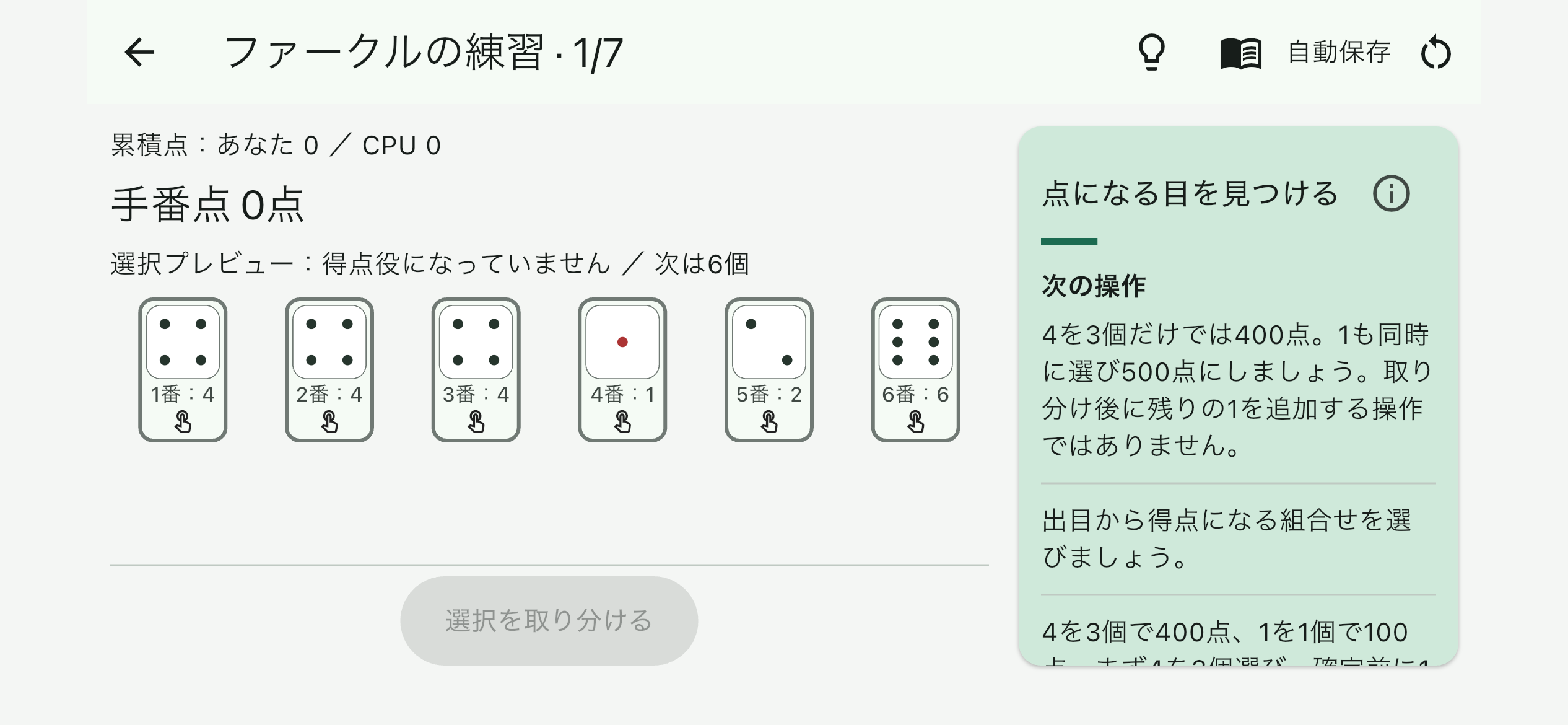
Tutorial progress is saved separately from matches and statistics. Learn the basics before playing the CPU.
Explore this game on the App Store →
See release information →